
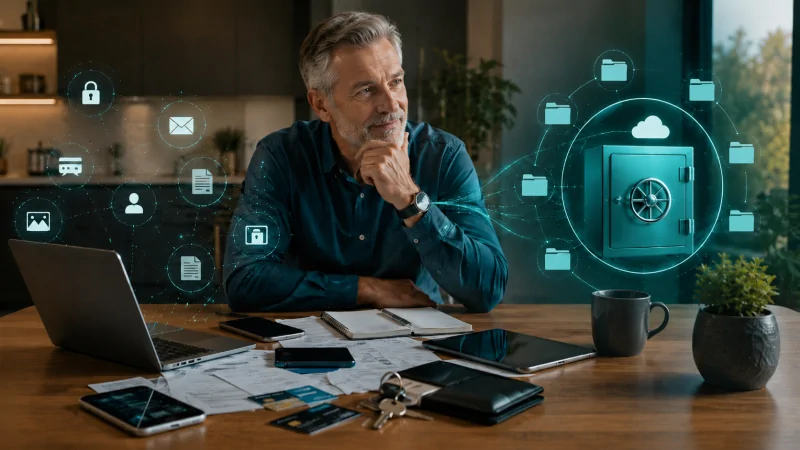
GDPR protects your privacy. But what are you doing yourself?
Beyond GDPR, more and more cyber laws are arriving to protect personal data. If you run a business, you're well aware of this. The investment in security keeps growing, partly because today's cybercriminals are so sophisticated and the response window so short.
But here's the question I want to put to you today:
How well organised are you when it comes to your own personal data?
Most consumers still store their most important information across dozens of apps and folders. That's understandable - we tend to choose convenience - but it increasingly creates real risks.
"It's all safely stored on my laptop"
That's the answer I hear most often, and it can be misleading. The location of your information matters as much as the device protecting it. If your bank details are sitting in your email inbox or in a WhatsApp thread, those are exactly the places where phishing thrives. And then there are the social media apps that stay logged in on a phone you briefly put down on a café table.
If you take one thing from this article, enable two-factor authentication (2FA) on every social platform you use today - search "2FA Facebook" or "2FA TikTok" if you haven't already.
The hidden note on your phone
Most people no longer keep passwords on a slip of paper. They keep them in a hidden note on their phone. If that phone isn't properly secured and gets compromised, that single note opens the door to everything else. And AI tools now make it dramatically faster for criminals to find and extract this kind of information once they're inside.
GDPR doesn't protect you from digital chaos
When most people think about privacy, they think about hackers and companies tracking them. But privacy is also about control - where your important information lives, and who can reach it. GDPR doesn't make sure your partner or your family know where anything is. That part is on you.
Two principles worth borrowing from the corporate world
In my professional life, two principles do most of the heavy lifting: classification and centralisation. Classification means deciding - for yourself, because it's your information - what really must not fall into the wrong hands. Centralisation means putting that information in one secure place, ideally one that someone you trust can access in an emergency.
The questions worth answering
Improving your own privacy starts with five honest answers:
- Are all my passwords stored somewhere genuinely secure?
- Could the people closest to me reach what they'd need if something happened to me?
- Do I actually know which apps have access to my microphone, location and contacts? (A small tip: turn off microphone access in apps that don't need it.)
- Do I have two-factor enabled everywhere it's offered?
- If my phone or laptop were stolen tomorrow, how quickly could I recover or block my most important accounts?
If you can't answer any one of these clearly, that's where to start.
A final thought
Real privacy doesn't begin with legislation. It begins with oversight - knowing what you have and where it lives. Anything you'd classify as truly private can be kept safely in your Life After Me account, and only made accessible to others when you decide it should be